
What is a CRM?
Tushar Imran
Author
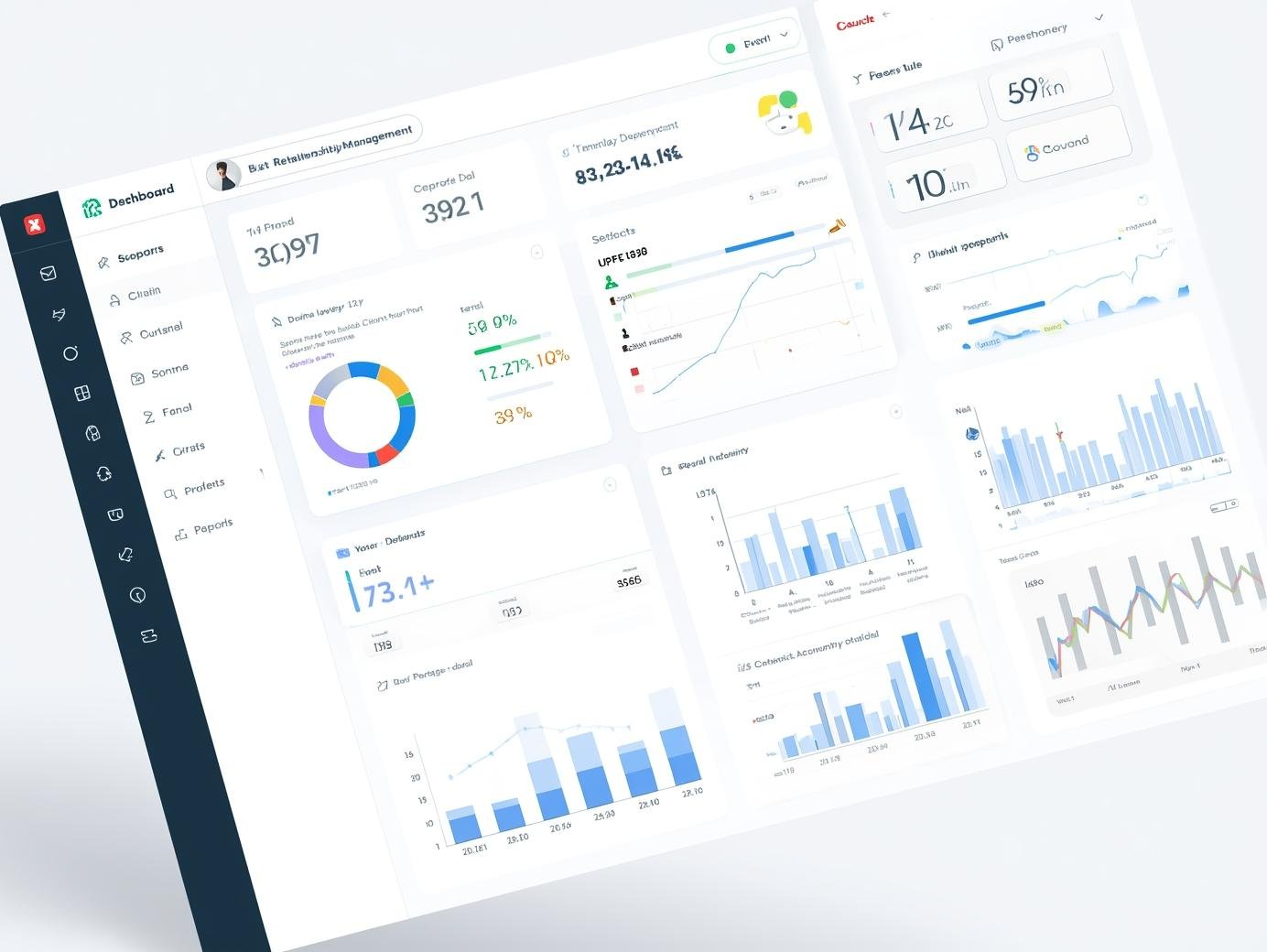
If you’ve ever felt overwhelmed by keeping track of client emails, project deadlines, and follow-up meetings, you’ve likely come across the term CRM. But beyond the jargon, what is it, and how does it actually change the way you work?
In this guide, we’ll break down Customer Relationship Management (CRM) in plain English.
What is a CRM, Exactly?
CRM stands for Customer Relationship Management. While the name sounds corporate, the concept is simple: it is a system that helps you manage all your interactions with customers and potential leads in one single place.
Think of it as an intelligent contact list. Unlike a standard phonebook, a CRM stores:
- Every email you’ve sent or received from a client.
- Notes from your last meeting or phone call.
- The status of ongoing projects and pending deals.
- Important dates like contract renewals or follow-up reminders.
Why Should You Care About a CRM?
Whether you are a freelancer or a small business owner, your most valuable asset is your client relationship. Here is why a CRM is essential:
1. No More "Lost" Information
We’ve all been there—searching through a 50-email thread to find a client’s specific request. A CRM centralizes this data so you can find any detail in seconds.
2. Better Follow-ups, More Sales
Most deals are lost because of a lack of follow-up. A CRM can notify you when a lead hasn't been contacted for a week, ensuring you never miss an opportunity.
3. Professionalism at Scale
When you know exactly what you discussed with a client three months ago without asking them to repeat themselves, it builds immense trust and shows you are a professional.
How Does a CRM Workflow Look Like?
To understand how it fits into your daily routine, look at this typical cycle:
- Lead Generation: A potential client contacts you. You add them to the CRM.
- Nurturing: You send them a proposal and track their response within the tool.
- Project Management: Once they agree, you track the work progress.
- Billing & Archiving: After the work is done, you use an invoice generator to bill them and mark the project as "Won" in your CRM.
Choosing the Right CRM for Your Needs
You don’t need to spend a fortune on complex software. Depending on your size, you can choose:
- All-in-One Tools: Platforms like HubSpot or Zoho offer free versions for small teams.
- Minimalist Tools: If you prefer simplicity, tools like Trello or Notion allow you to build a custom CRM board for free.
- Industry-Specific: Some CRMs are built specifically for real estate, law, or creative agencies.
At the end of the day, a CRM is more than just software—it’s a mindset. It’s about moving away from chaotic spreadsheets and towards a structured way of growing your business. By staying organized, you free up your time to focus on what matters: delivering great work and getting paid on time.